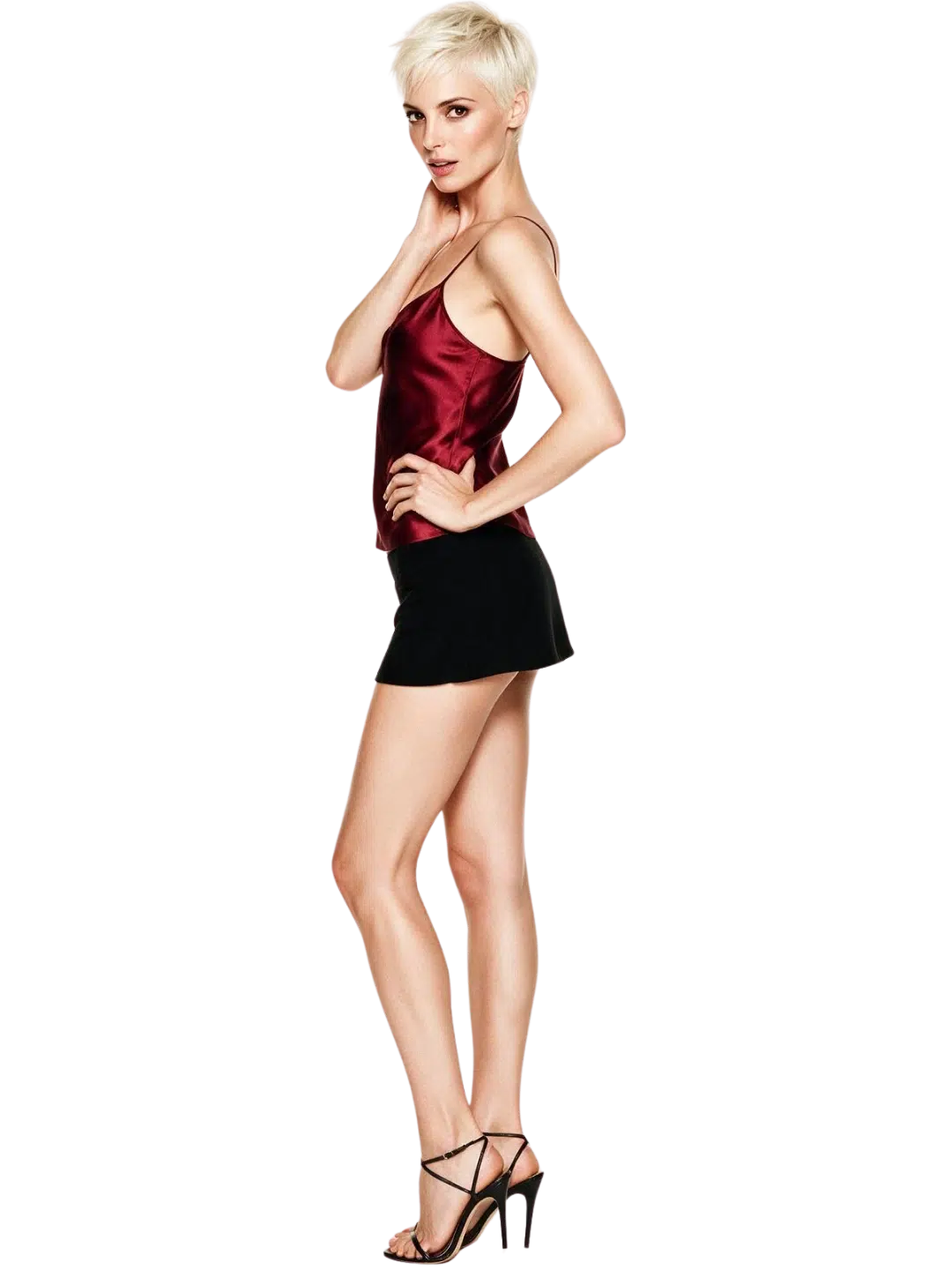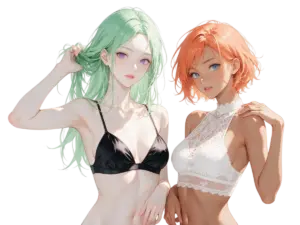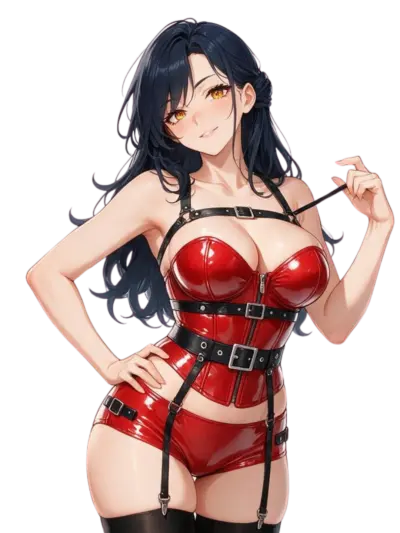
You’re probably here because you’ve seen the images — portrait-quality photos of women who don’t exist, generated in seconds from a text prompt — and you want to know how it actually works before you put any money in. That’s a reasonable place to start. This page explains what an ai woman is in the image-generation sense: what the technology does, what it costs, where it genuinely falls short, and how to get something useful out of it without wasting time or credit.
Whether you’ve come across the term through image tools, AI companion platforms, or general curiosity about what an ai woman generator can produce, the explanation below covers the mechanics before the product.

She doesn't need a manual. Start talking and she'll figure out exactly what you like — your mood, your energy, your type. She adapts to you, not the other way around.


What an AI Woman Generator Is
An ai woman generator is a text-to-image system that takes a written description and produces a synthetic portrait or full-body image of a woman who has never existed. You type something like “woman in her 30s, dark curly hair, casual clothing, outdoor light” and the model renders it within seconds. The output can be photorealistic or stylised, depending on the mode you select.
The term “ai woman” in this context refers specifically to that generated output — a synthetic female image created by artificial intelligence, not a photograph and not a digital drawing made by hand.
What it is: a system that converts text prompts into ai-generated images of adult female figures — photorealistic, illustrated, or stylised — using a type of AI called a diffusion model.
What it is not: a photo editor, a face-swap tool, a search engine for stock images, or a system that draws on a database of stored real portraits.
The distinction matters. The model generates; it doesn’t retrieve. That’s why two identical prompts produce two different images, and why adding detail to a prompt changes the output meaningfully. Whether the goal is a beautiful ai woman portrait, realistic ai girls for a creative project, or an ai woman realistic enough to pass for a photograph, the output is built from learned statistical patterns — not assembled from stored parts.
The quality range is wide. A well-crafted prompt can produce a beautiful ai woman image with accurate detail, natural lighting, and a convincing likeness to a photographic portrait. A poor prompt produces something generic. The difference is almost always the prompt, not the model’s ceiling.
Three Things to Know Before You Start
- Prompts drive quality. A vague prompt produces a generic result. Specific prompts — describing lighting, age, style, clothing, expression, background — produce more controlled outputs.
- Free tiers are limited. Most platforms in this category offer a small free allowance, ranging from a few images to a daily cap. None gives full access without payment.
- Style mode changes everything. The same system often has separate modes for photorealistic, anime, and artistic outputs. Switching between them changes results substantially.
Choose your perfect AI Woman


Sharp-tongued, fiercely independent, and thrillingly unpredictable. Zara doesn't foll… Sharp-tongued, fiercely independent, and thrillingly unpredictable. Zara doesn't follow rules — she rewrites them. If you can keep up, she'll let you into her world.

Warm, bubbly, and impossible not to love. Hana remembers your order, your stories, an… Warm, bubbly, and impossible not to love. Hana remembers your order, your stories, and exactly how to make you smile. She's wholesome — until she isn't.

She built an empire from scratch, and she expects the same ambition in the people aro… She built an empire from scratch, and she expects the same ambition in the people around her. Raven is intense, controlled, and deeply passionate beneath the power suit.
How Much Do AI Woman Tools Cost?
Paid Plans and What They Include
Most ai woman generator services run on a subscription plus a metered credit system. As of September 2026, paid plans across the category run $14–20 per month billed monthly, or $4–10 per month on annual plans billed upfront (roughly $48–120 per year).
The monthly subscription typically includes a set of credits or tokens — sometimes called coins, Neurons, or tokens depending on the platform. Each image generation draws from that pool. When the pool runs out, you either stop generating or buy top-up packs.
How Credits Work in Practice
Here’s what the credit economy looks like by usage pattern:
| Usage pattern | What happens to credits | Realistic monthly cost (Sep 2026) |
|---|---|---|
| Chat only | Unlimited on some plans | Under $10/mo on annual |
| Occasional images | Monthly allowance usually covers it | $15–25/mo |
| Regular images and voice | Monthly allowance runs out; top-ups needed | $25–60/mo |
| Daily video generation | Heavy credit use; multiple top-ups | $60+/mo |
The headline subscription price is not the all-in cost if you generate images or video regularly. That’s worth knowing before you commit to an annual plan.
The Free Tier: What You Actually Get
Free access ranges from a real daily allowance — tens of messages, a few images — down to a brief demo that ends within minutes.
None of the free tiers in this category gives full access to media generation. Treat the free option as a way to test whether the platform’s interface suits you, not as a meaningful creative tool for a project.
Token Packs and Top-Up Economics
When your monthly allowance runs out, top-up credit packs are the next step. Pricing varies by platform and pack size, but the general pattern: smaller packs cost proportionally more per image than larger ones, and annual subscribers sometimes get a better rate on top-ups than monthly subscribers.
The practical consequence: if you generate heavily, the annual plan plus one or two top-up packs per month is usually cheaper than the monthly plan with top-ups. If you generate occasionally, the annual plan alone is enough.
Know What Shows on a Statement Before You Pay
Most platforms in this category bill under the name of their operating company, not the product name you signed up for.
Check the checkout page for the billing descriptor before you enter payment details, especially if you share accounts or have reason to be careful about what appears on statements. You can always make a small test purchase first to confirm what shows up.
What an AI Woman Generator Does Not Do
This is worth its own section. The gap between the marketing and the reality is real.
It Does Not Produce Consistent Identities
Generate the same person twice — even with a detailed prompt — and you’ll get two different people.
There is no persistent identity in the model. Each generation is statistically independent. Systems that claim “character consistency” use techniques to constrain variability, but they don’t maintain a true identity across sessions the way a photograph of a real person does.
It Does Not Understand Anatomy Reliably
Hands are the well-known failure point. Fingers, wrists, and complex poses remain difficult for current diffusion models.
Eyes, teeth, and ears can also be wrong in ways that take a second to notice but are unmistakable once seen. This isn’t a bug fixable with a better prompt — it’s a structural limitation of how these models currently work.
It Does Not Guarantee Originality
The model was trained on existing images. While it doesn’t copy them, the outputs can resemble real photographs or artworks closely enough to matter — especially for commercial work.
If you’re using generated images for commercial purposes, the terms of service of the specific platform, and your jurisdiction’s rules on AI-generated content, are worth reading before you publish.
It Is Not Suited for Directed Photography
For professional use — brand photography, editorial images, product mock-ups — the inconsistency and anatomical errors usually require significant post-processing or are simply not acceptable.
The technology is genuinely useful for concept work, mood boarding, and illustrative content where exact precision isn’t required.
What the “Unlimited” Claim Usually Means
Some platforms advertise unlimited generation. In practice, this often applies to chat or text, not to image or video generation, which almost always draws from a metered allowance.
There is no image generation system in this category that is truly unlimited at the output quality most users expect.
Why People Use This
The Practical Use Cases
The most common uses are not especially mysterious:
- Creative and illustrative content — ai art, character design references, social media visuals, book cover ideas
- Avatar and portrait images — generating a synthetic ai female portrait for a profile picture rather than using a photograph
- Fashion and styling mock-ups — visualising clothing concepts or hairstyle directions without a shoot
- Background and decorative images — wallpaper, illustration, mood content where consistency across sessions doesn’t matter
Character Visualisation
Some users come to ai woman generators from adjacent categories — AI companion platforms, roleplay systems, interactive fiction — and use image generation as a way to visualise the character they’ve built in chat.
The two categories overlap more than the marketing of either acknowledges. An ai woman generator produces a static image; the companion platform produces a conversational partner.
A user building an ai woman character in a chat system may want to visualise her appearance; the image generator is where that happens. For users who want both, the ai woman image tool becomes part of a broader workflow rather than a standalone product.
Concept Work and Iteration
Designers, writers, and creative directors often use these tools for early-stage concept work: generating ten or twenty rough directions quickly, then identifying the one that works, and commissioning a human artist or photographer to execute it properly.
The cost and speed advantage here is real. What might take a day of art direction and photography can be roughed out in an hour of ai woman prompting. The gap between “rough direction” and “finished work” is also real — the generated image is a concept, not a deliverable.
The Curiosity Use Case
Some users simply want to know what the technology can do, run a few experiments, and move on. That’s a reasonable way to interact with it. The free tier exists for exactly this: a look at current capability without a financial commitment.
A Sensible Way to Start
Set a Budget Before You Generate
The credit economy is designed to run out. If you start generating without a budget in mind, you’ll hit a paywall at the point of highest engagement — when you’ve just produced three images you like and want to continue.
Decide in advance what you’re willing to spend in the first month. For most casual users, the annual plan at the lowest tier costs less than two top-up packs. If you’re unsure how much you’ll use it, the monthly plan with no auto-renew is the lower-risk starting point.
Learn the Prompt Structure First
A useful starting sequence for building your first ai woman image:
- Describe the subject plainly — age range, hair colour and length, expression.
- Add lighting — “natural outdoor light”, “studio lighting”, “soft window light”.
- Add clothing and setting — “casual clothing, park background”.
- Specify the style mode — photorealistic, anime, oil painting.
- Run the generation, look at what’s off, adjust one element.
Changing multiple elements at once makes it harder to understand what drove the improvement or the failure. Adjust one thing at a time.
Great Prompts Have Specific Detail
The difference between “woman with dark hair” and “woman in her late 20s, dark wavy hair past the shoulders, wearing a linen shirt, natural light from the left, soft background” is visible in the output.
Specificity is not pedantry; it’s how the model constrains its generation toward what you actually want. Great prompts are specific prompts.
Know When to Switch Style Modes
Photorealistic mode is not always the right choice. For character design and illustration work, anime or artistic styles handle stylisation better, produce fewer anatomical errors in non-standard poses, and are often the right tool for the use case.
Many users default to photorealistic and are frustrated by the results when the style mode was the variable all along.
Build One Character Properly
Build One Character Before Moving On
If you want results consistent enough to use across a project, invest time in one detailed prompt for one character: specific facial features, hair style and colour, clothing, setting, and lighting. Save that prompt. Use it as the base for every subsequent generation, modifying only what needs to change.
You will get more useful images from fifty generations of one well-defined character than from five hundred variations across different concepts. A character that exists only in your prompt is yours to return to; a character generated once and not saved is gone.
How an AI Woman Generator Works
The Diffusion Model
The engine behind an ai woman generator is almost always a diffusion model — a type of generative AI that learns to reverse a noise-addition process.
During training, the model sees millions of images progressively obscured by noise and learns to predict what was underneath. At generation time, it starts from random noise and progressively refines it, guided by your text prompt, until a coherent image emerges.
This differs from earlier AI image systems. Older approaches (called GANs — Generative Adversarial Networks) trained a generator and a discriminator against each other. Diffusion models are slower to generate but produce higher-quality and more controllable ai woman outputs. That’s why they dominate the current category.
What the Text Prompt Actually Does
The text prompt is encoded into a vector — a numerical representation of meaning — using a language model. That vector guides the diffusion process at each refinement step, nudging the output toward image features statistically associated with the description.
This is why prompt wording matters in ways that feel counterintuitive: the model isn’t reading your description the way a human would; it’s matching encoded concepts to image regions. “Soft light from the left” and “left window light” may produce noticeably different results even though they mean the same thing.
Style Modes, High Resolution, and What They Do
| Style mode | What it does | Suited for |
|---|---|---|
| Photorealistic | Maximises image plausibility and surface detail | Portraits, commercial mock-ups, avatar images |
| Anime / illustrated | Applies learned stylistic conventions | Character design, ai art, creative projects |
| Artistic | Applies painterly or drawn-art conventions | Mood boards, decorative work, concept ai art |
| High resolution upscaling | Runs a second pass to add fine detail to a realistic ai woman output | Final exports, print use |
Most platforms offer at least two modes; some offer more. The style mode is usually the most impactful single setting after the prompt itself.
Why Some Details Are Always Difficult
Hands and extremities fail because they appear in enormous variety in training data — different angles, occlusion, foreshortening — and the model has not learned stable underlying geometry the way it has learned the structure of a human face.
Text in images fails for a different reason: letters are treated as visual pattern, not as language, so they’re approximated rather than rendered correctly. These are known limitations of the current architecture, not fixable by prompt engineering alone.
The Generation Speed Trade-Off
Diffusion models run multiple refinement steps — typically 20 to 50 — to produce a single image. More steps produce better quality and take longer; fewer steps produce faster but noisier output.
Most platforms abstract this into a quality slider or give you a default setting and a fast mode. The practical trade-off: fast mode eats your credit allowance slower but produces results you’ll reject more often. Standard mode uses more generation time per image but fewer wasted images overall.
How to Evaluate What You’ve Generated
The First Pass Is Rarely the Final Output
Most users get a mediocre result on the first generation and assume the tool is the problem. Often the prompt is the problem.
A useful habit: generate five to ten ai woman variations before deciding whether the tool can do what you need. The variation across outputs from a single prompt is often wide enough to include both a usable image and three that are obviously wrong. The usable one tells you more about what’s possible than the failures do.
Reading What Went Wrong
When a generation fails, the failure usually falls into one of three categories:
- Structural errors — anatomy problems, proportion distortion, hands or limbs that look wrong. These come from the model’s training limitations, not your prompt. Adjusting the pose description helps but doesn’t eliminate them.
- Style drift — the image looks like the right subject but in the wrong style or mood. Usually means the style mode isn’t matched to what you want, or the prompt is mixing stylistic cues that pull against each other.
- Prompt mismatch — the image looks like something, but not like what you described. Usually means a phrase in your prompt is being interpreted differently than intended. Isolating and rephrasing that phrase fixes it.
Understanding which type of failure you’re seeing tells you what to change. Structural errors benefit from a re-generation. Style drift benefits from a mode switch. Prompt mismatch requires editing the text.
Saving and Comparing Across Generations
Most platforms save your generation history. Use it as a record, not just storage.
Comparing outputs from different prompt variations — side by side, if the platform allows it — shows you exactly which element of the prompt is driving a particular change.
That’s more informative than reading any tutorial, because the feedback is specific to how that model responds to your descriptions. This matters especially if you’re working on ai female images for a project where consistency matters.
If the platform doesn’t support direct comparison, save the prompt text alongside the image, not just the image. The image alone tells you the output; the prompt tells you what produced it. When you generate a beautiful ai girl result and want to reproduce the effect, the prompt is the only thing you can actually work from.
AI Woman Generators in a Broader Workflow
Where This Tool Fits
An ai woman generator is a generation tool, not an editing tool. It produces a starting point, not a finished asset.
For some use cases — wallpaper images, mood board references, concept sketches — the starting point is close enough to the finished product that no additional work is needed. For others — brand imagery, editorial photography, commercial illustration — the generated image is a rough input into a longer process.
Understanding which category your use case falls into is the first thing to settle. It determines how much time to spend generating versus how much time to spend refining the output elsewhere.
Combining With Other Tools
Generated images can be taken into standard image editing software for refinement — correcting anatomical errors, adjusting composition, colour-grading, or adding elements the generator struggled with. This is a common workflow for users who need higher precision than the generation alone provides.
Some users also use ai woman generator outputs as references for 3D modelling, illustration, or character design, rather than as finished images. In that context, the occasional anatomical error matters less — the generator is producing a visual direction, not a technical specification.
The Learning Curve Over Time
There is a learning curve to using these tools, but it flattens quickly. Most users reach a workable level of prompt competence within a few sessions.
What takes longer is developing an intuition for which prompts produce which results on a specific platform. Different models respond differently to the same language.
A prompt that produces a strong ai woman portrait on one system may produce mediocre results on another. If you switch platforms, expect to spend a session or two recalibrating your prompt approach rather than importing your existing prompts wholesale.
What Doesn’t Transfer Between Sessions
Two things don’t transfer: your prompt calibration and your generated images.
Prompt calibration — your sense of how specific phrases map to outputs — is built through experience on a specific model. When models are updated, which happens regularly in this category, some of that calibration may need revisiting. Outputs that worked before a model update may look different after it.
Generated images, once saved to your account, persist in your gallery. But the model state that produced them does not. You can re-run a saved prompt and get a different image. This is expected behaviour, not a bug.
Memory and Session State
What This Category of Tool Remembers
An ai woman generator in its basic form has no memory between sessions. Each generation is independent.
You can run the same ai woman prompt twice and get two different outputs; there is no record of your previous results unless the platform saves a generation history for you to browse. The model does not know what you generated yesterday, which ai woman images you preferred, or what you’ve been building toward.
What This Means for Building Consistent Visuals
If you’re building a visual project — a character sheet, a set of story illustrations, a brand character — you are the memory system.
You save the prompts that worked, note what settings produced the style you wanted, and re-enter that information each session. Some platforms make this easier with saved prompt templates or generation history; most require you to manage it yourself.
What’s Actually Stored on the Platform
Different platforms handle data differently. Across the category, the general pattern:
- Generated images are typically saved to your account for a period determined by the platform
- Text prompts are logged
- Payment details are handled by a third-party processor, not stored by the platform directly
- Data retention after account deletion varies; not all platforms specify this clearly
If discretion matters to your use case, the privacy policy of the specific platform is worth reading before you generate. The billing descriptor — what appears on your statement — is a separate consideration covered in the cost section above.
Session Memory vs Account History
There’s a meaningful distinction between session memory and account history. Session memory means the model knows what you’ve generated or said during the current session; account history means the platform saves your previous ai woman outputs for you to view later.
Most ai woman generators provide account history (a gallery of past generations) but not session memory (the model doesn’t “remember” what you generated ten minutes ago in the way a human would). If you close a session and return, you start fresh from a prompt perspective — your gallery remains, but the generation context does not.
Frequently Asked Questions
Is an AI woman generator producing real photographs?
No. Every ai woman image is synthetic — a pixel pattern that has never existed as a photograph. There’s no database of real people’s faces being drawn from. The output is always artificial, even when it looks photorealistic.
Why do some ai woman images look wrong?
Diffusion models produce statistically plausible images, not geometrically correct ones. Hands, complex poses, text in images, and reflective surfaces are common failure points in any ai woman output. Re-generating often helps; some errors are inherent to the current architecture.
What’s a realistic monthly budget?
For occasional use — a few dozen images per month — the annual plan at the lowest tier (around $4–10/mo as of September 2026) is usually enough. Regular image generation pushes toward $15–25/mo. Daily heavy use including voice or video runs $25–60/mo or higher.
Can I use ai woman images commercially?
It depends on the platform’s terms of service and your jurisdiction. Many platforms grant commercial use rights on paid plans; some restrict it. AI-generated image copyright is also unsettled in several jurisdictions. Read the specific platform’s terms before publishing ai-generated images commercially.
What does “free tier” actually mean here?
In this category, a free tier is almost always a demo or a very limited daily allowance — a few ai woman images, not ongoing free access. Treat it as a way to test whether the platform’s style suits you, not as a functional tool for a project.
What’s the difference between photorealistic and anime mode?
Photorealistic mode generates ai woman images that resemble photographs — high detail, realistic skin texture, plausible lighting. Anime mode applies stylised conventions — simplified features, bold lines, high colour saturation. The same prompt in each mode produces very different results. Neither is inherently better; the right choice depends on what you’re making.
Do I need technical knowledge to use this?
No. The main skill is prompt writing — describing what you want in specific terms. Most platforms offer prompt suggestions or examples; starting with those and modifying them is a practical first approach.